Initiating a messaging redesign that increased response rate by 20%
CareGuide is a two-sided marketplace connecting care seekers and care providers primarily through messaging. I initiated and led the research, strategy, and design behind three response-rate projects.
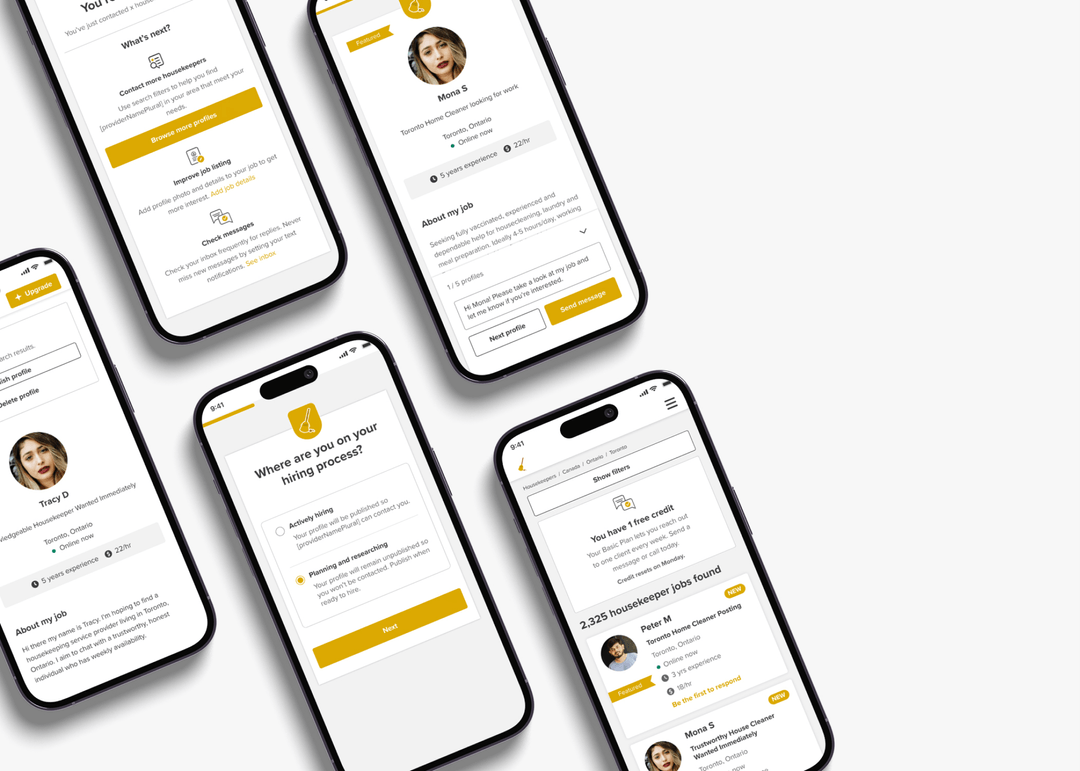
Low response rate was driving ~30% of cancellations
"Why am I not getting a response? I sent 30 messages, but only got 2 responses."
— Care provider

Response rate up 20%, message activity up 15%
Initiated through research, led end to end
Users who message on day one are 2× more likely to stay active
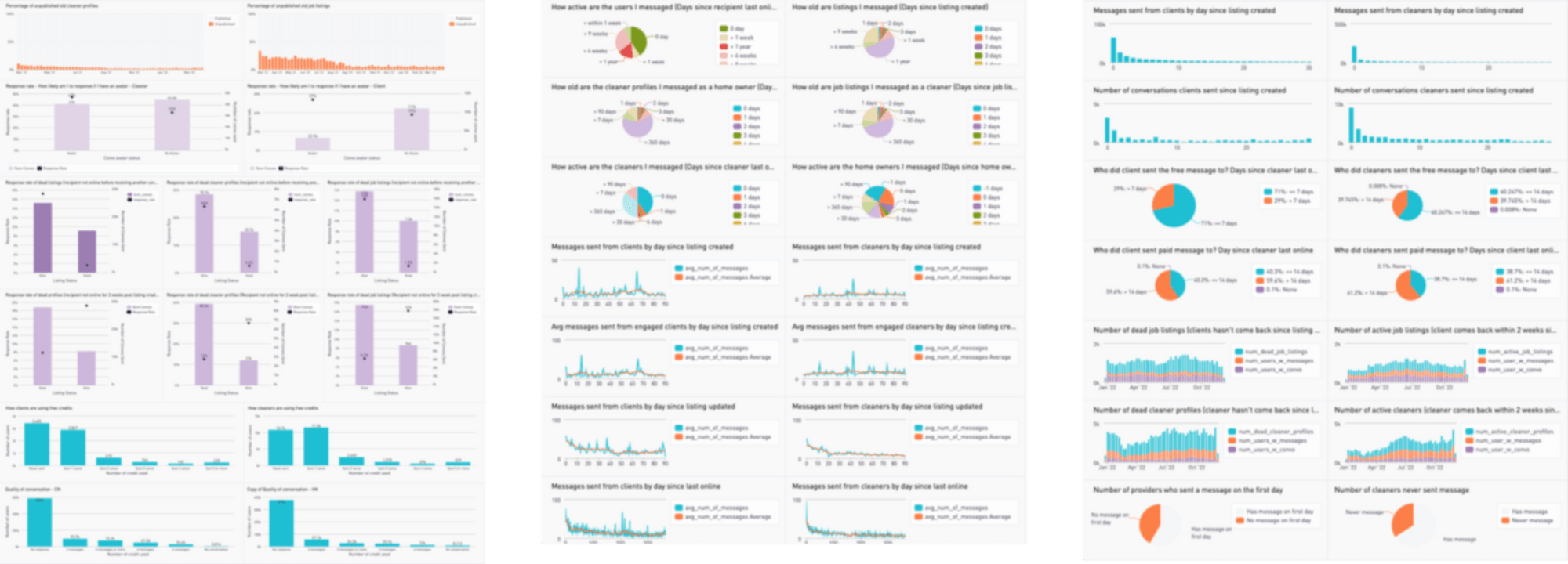
During the process I learned SQL and put together 60+ charts with the data analyst, plus 8 user interviews, to understand current response performance and find the factors that could improve response rate.
no message on day one
messaged on day one
Sending a message on day one makes users roughly a third more likely to stay active — a clear, high-leverage moment to design toward.
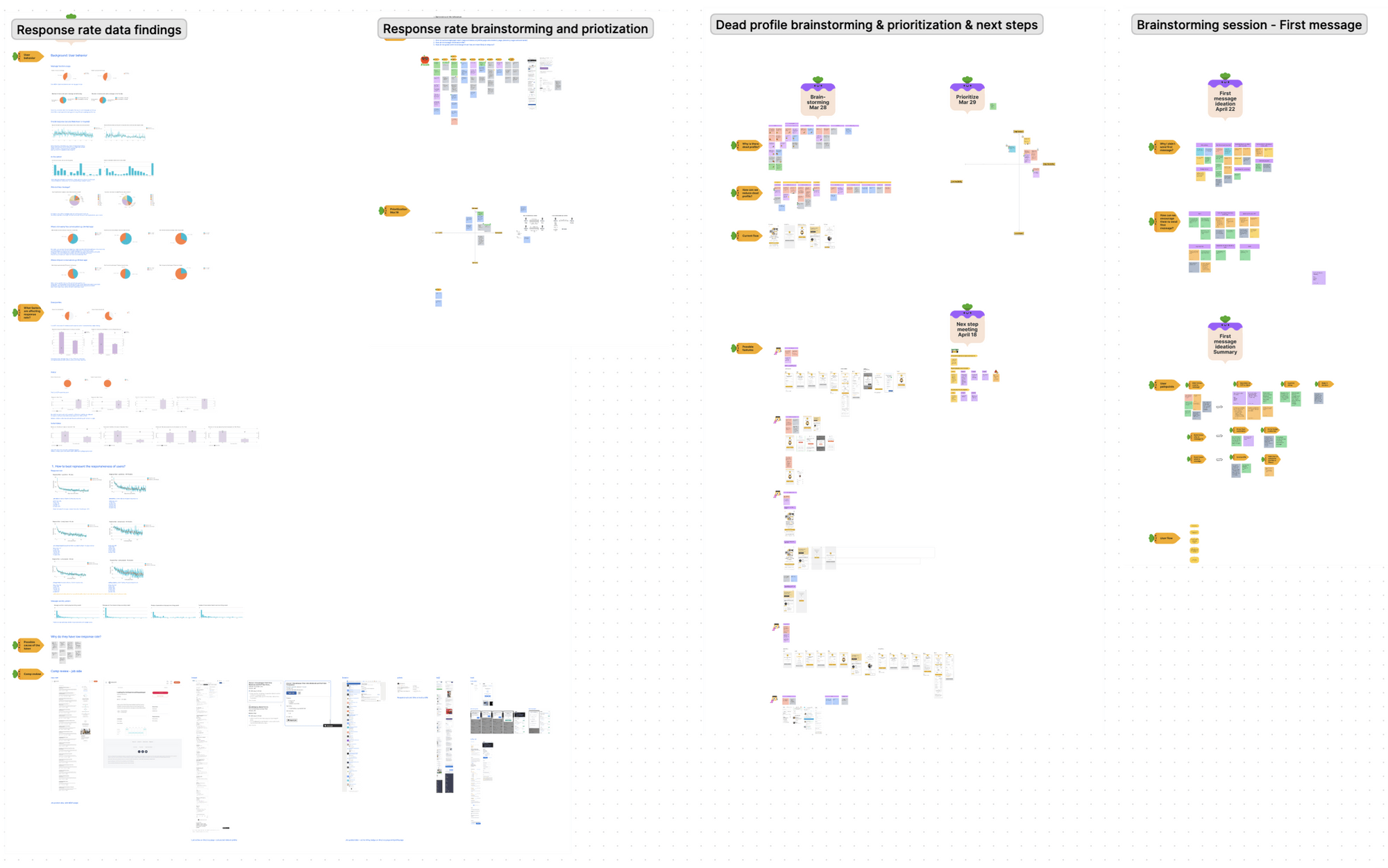
I facilitated ideation & prioritization sessions
From the data findings, I ran FigJam sessions with the team to brainstorm causes and solutions, then facilitated prioritization into a roadmap — including a dedicated session on how to encourage a first message.
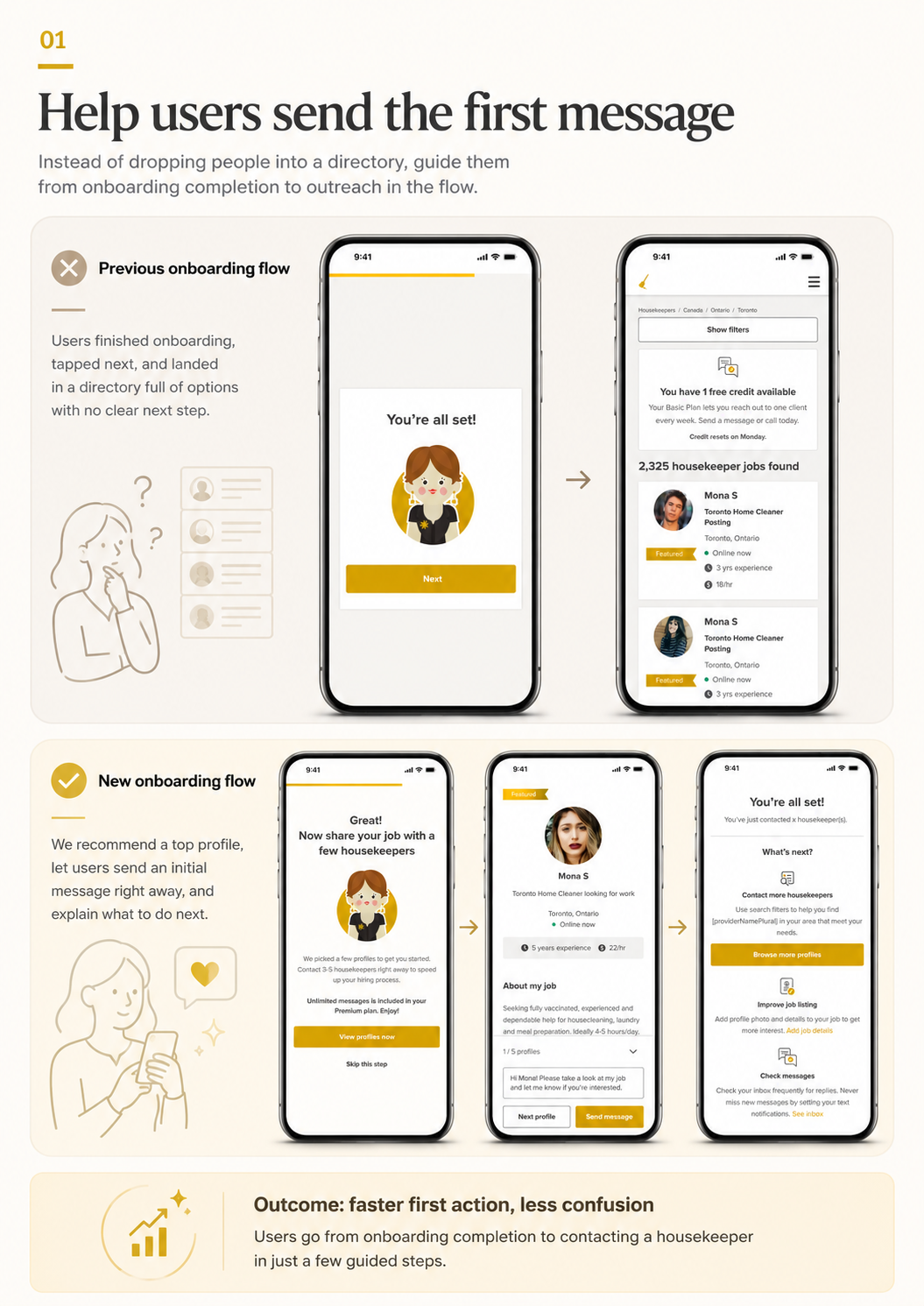
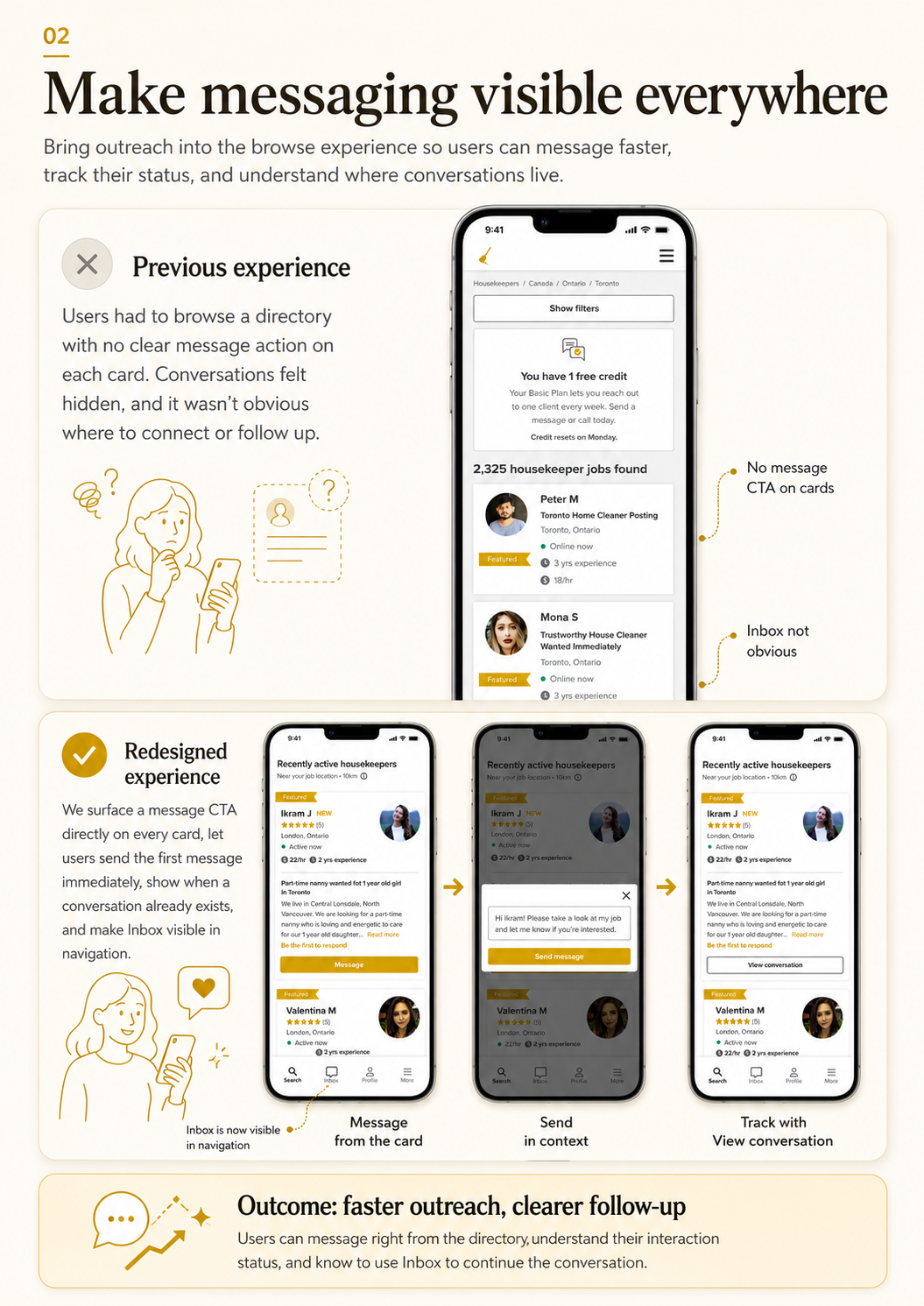
Built messaging into onboarding, and made chat visible everywhere
Previously, care seekers struggled to understand how to hire, and care providers struggled to understand how to apply. The new onboarding builds in message capability and user education; a message button and status now live right on the profile card and directory page.
"I felt that the message flow was seamless. It's easy to use and convenient. I was able to answer all of the questions and get a feel of what it was before I got to the profile section."
— Care provider